A small macOS desktop helper that stitches video and audio files into one YouTube-ready MP4. Written for a friend whose older computer struggled with the usual encoding workflow — drop in clips, drop in audio, hit Make Video, and let ffmpeg do the heavy lifting while the machine stays awake.
Built with Python and PyQt6, packaged as Video Thing.app (with bundled ffmpeg/ffprobe on release builds).
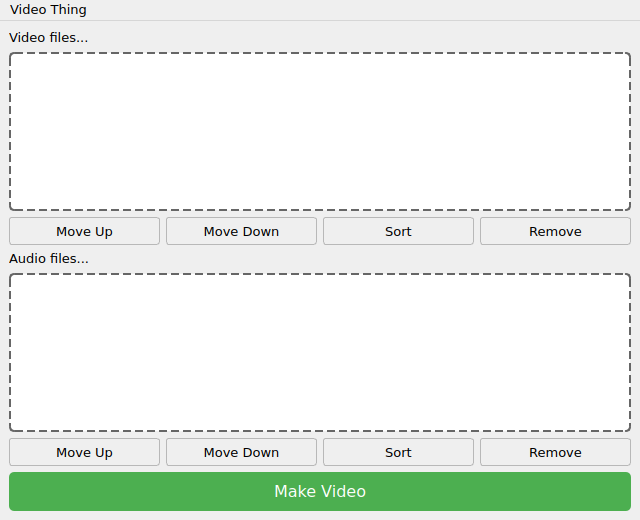
- Add one or more video files (
.mp4) to the video list — reorder with Move Up / Down / Sort. - Add one or more audio files (
.mp3) the same way. - Click Make Video, choose where to save, and wait for the progress bar.
Under the hood it merges the audio tracks, then combines them with the video sequence via ffmpeg. On macOS it also runs caffeinate during the job so an older Mac doesn’t fall asleep mid-encode.
From source (dev):
python3 -m venv .venv
source .venv/bin/activate
pip install PyQt6
python app.py
You’ll need ffmpeg and ffprobe on your PATH (or bundled next to the script).
macOS app download: after installing the .app, clear quarantine once:
xattr -d com.apple.quarantine Video\ Thing.app